
Setup Client Notifications Message
About Client Notifications status fields in WooCommerce
add text messages to sent automatically to your customers once they make a purchase on your site
as an example of steps
The user has made the purchase >> he receives a message about the successful order on His WhatsApp number
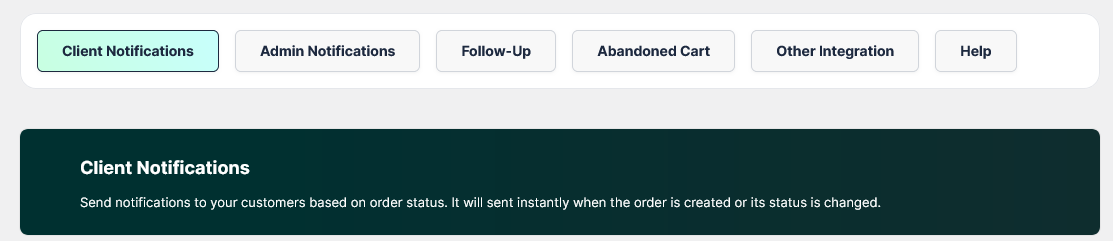
Example of customizing messages
Order – New (Thankyou Page)
This is the first message that is sent directly to the user once he completes the purchase directly through Woocommerce site
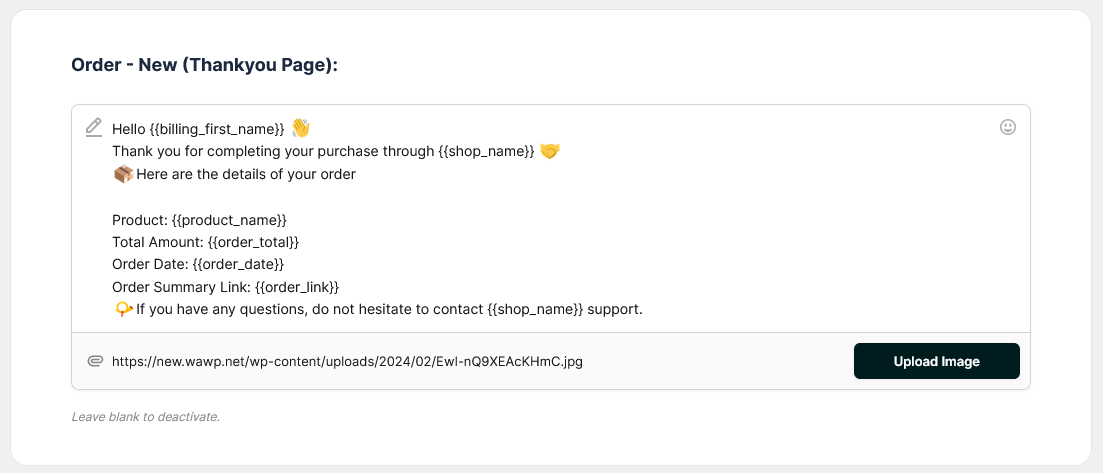
Input to whatsapp msg
Hello {{billing_first_name}}
Thank you for completing your purchase through {{shop_name}}
Here are the details of your order
Product: {{product_name}}
Total Amount: {{order_total}}
Order Date: {{order_date}}
Order Summary Link: {{order_link}}
If you have any questions, do not hesitate to contact {{shop_name}} support.


Output from whatsapp plugin
Hello Bella
Thank you for completing your purchase through OurstoreName
Product: product name from order
Total Amount: 20$
Order Date: 1-1-2024
Order Summary Link: https://storesite.com/orderpage
You can customize the rest of the sending statuses in this style
Types of order status available
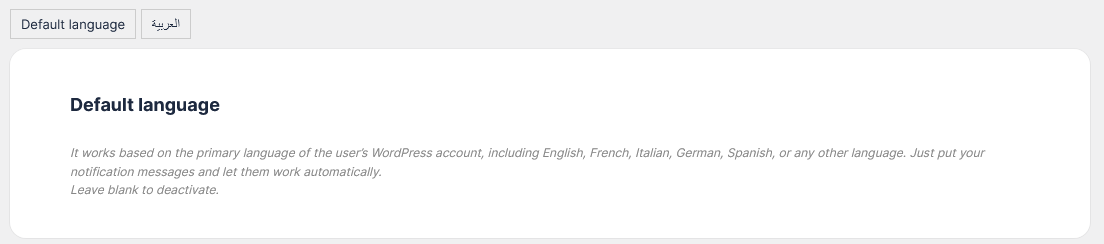
about multi language support in Client Notifications
The multilingual feature is available in the Wawp WordPress plugin
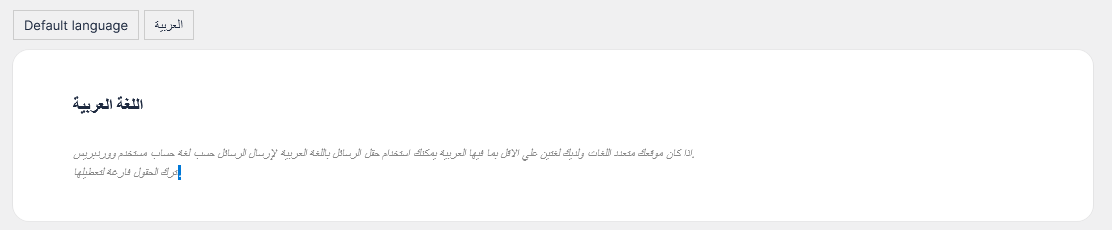
You can send messages in multiple languages. Arabic has now with any other default language for sending messages in two languages. Other languages will be supported in next versions.
Each language has its own editors
About Default Country Code
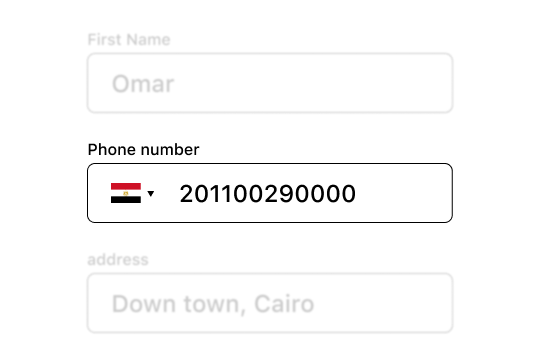
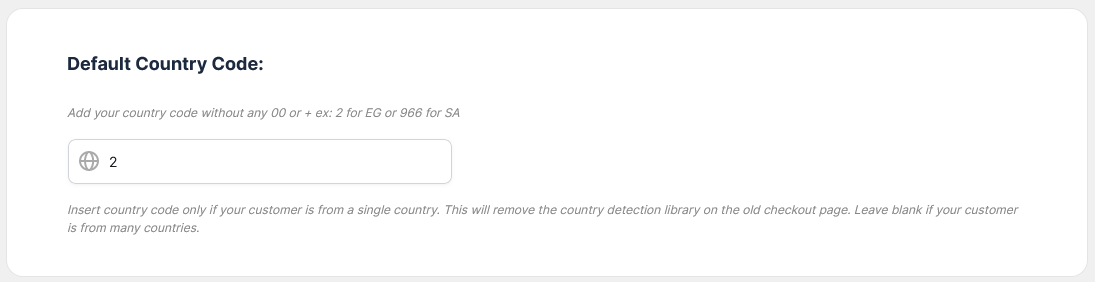
| Egypt | 2 |
| Saudi Arabia | 966 |
| United Arab Emirates | 971 |
| Sudan | 249 |
| United States | 1 |
| United Kingdom | 44 |
| Mexico | 52 |
| Spain | 34 |


