
WAWP platform tools
How to create and edit contacts?
About Contact list
Contact list is only used for Bulk messaging feature, all user accounts can use the same contact list
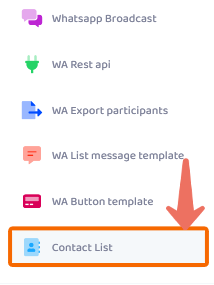
After you select List message template, click Add new:
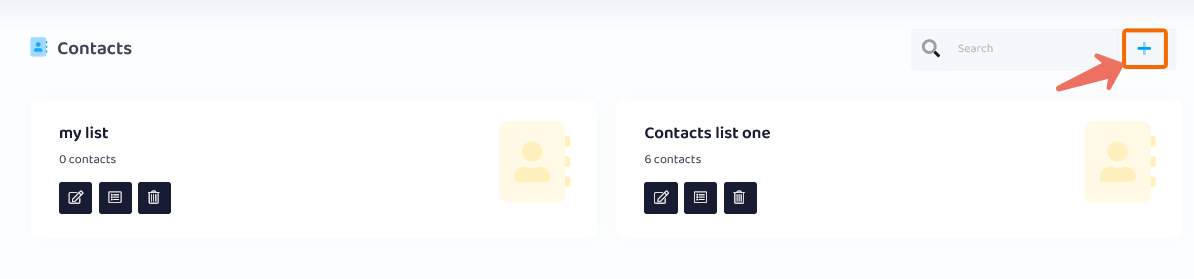
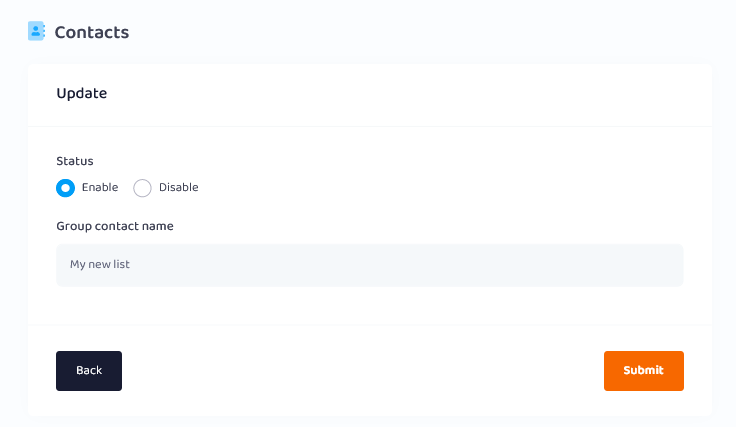
Step 1: Create contact groups and enable active status
Step 2: Import contact list
number of groups and number of contacts in each group is limited by user plan
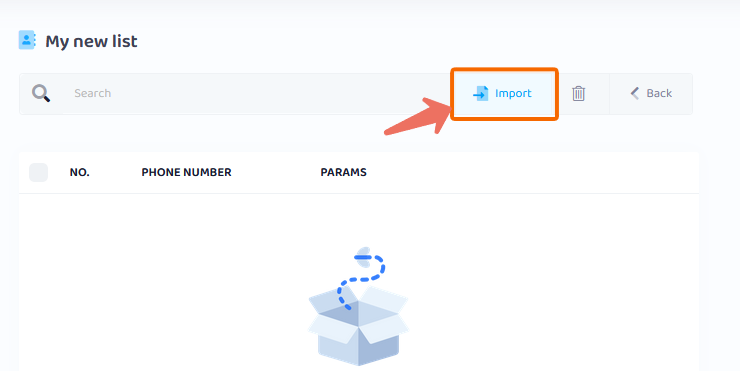
You can upload from a CSV file or add numbers directly via Form
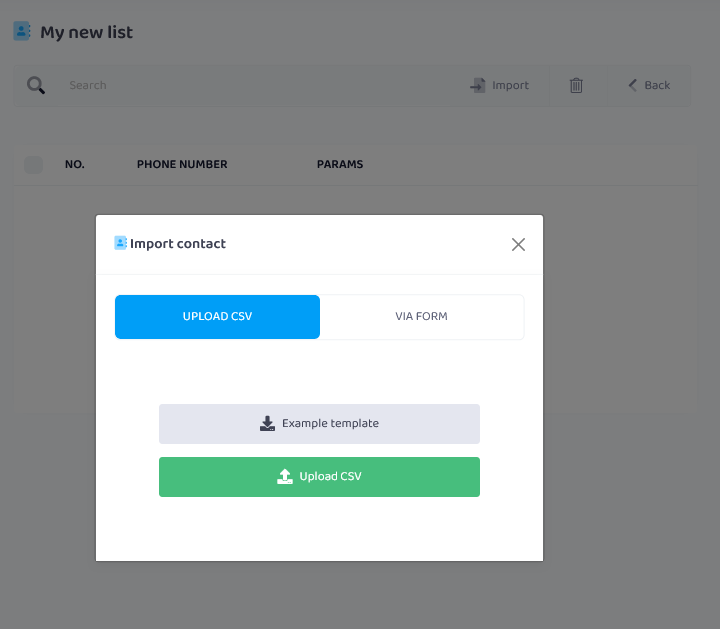
You can download the example template to re-upload it again after filling in the fields

Please do not change the name of the first row in the file


