Setup OTP Login Settings
About the OTP feature – Login tab
Save your customer the time to remember the password every time he tries to log into his account on your site
How does the login feature work
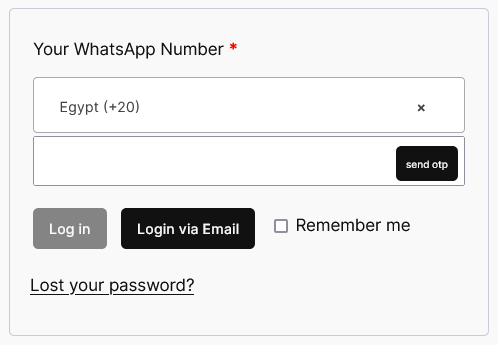
Your customer can add the number during purchase or register a new account, and in both cases he can use the number to log in
Also, during login, all you need to do is write the local number without any international code prefix, for example 01111111111.
How to set up the OTP login feature
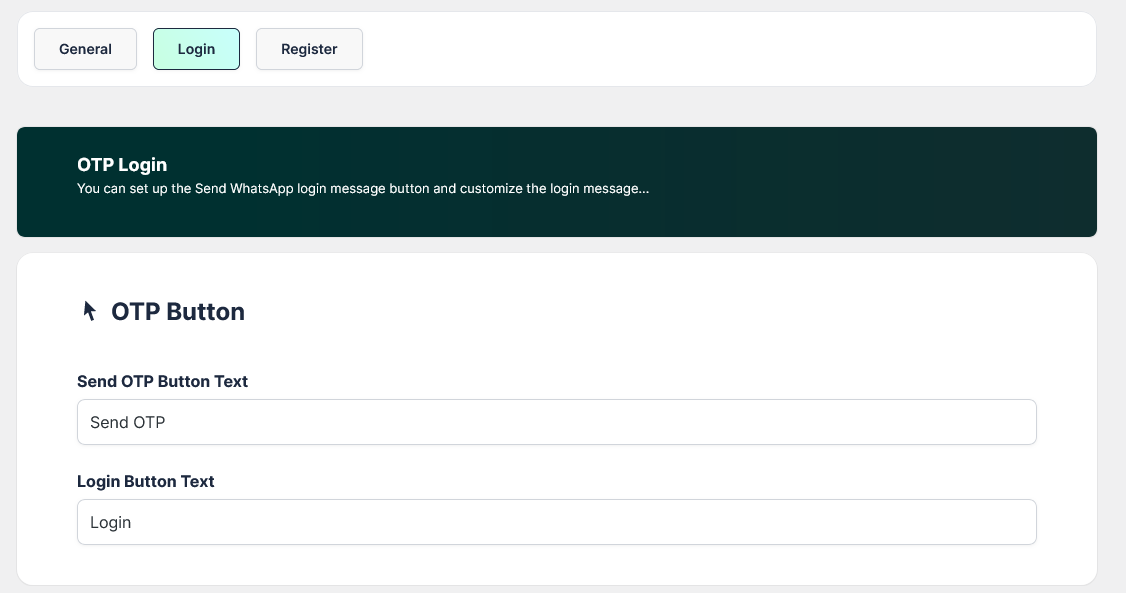
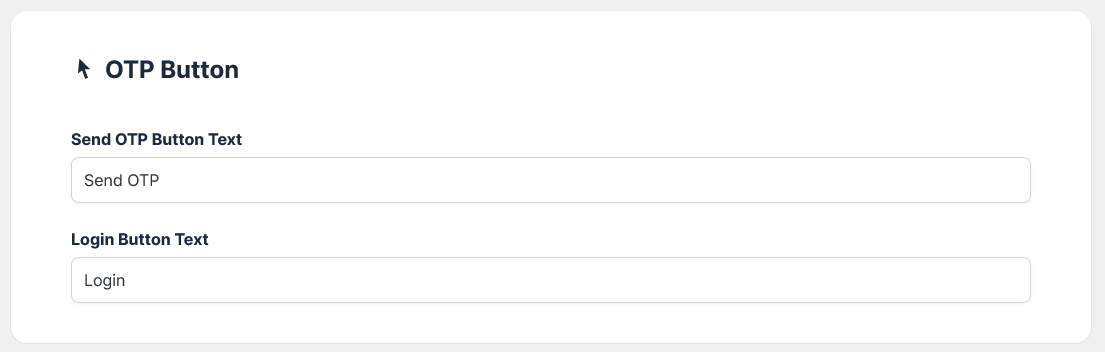
OTP Button: You can control the text of the buttons that appear on the login form
OTP Message: You can customize the login message to suit your business
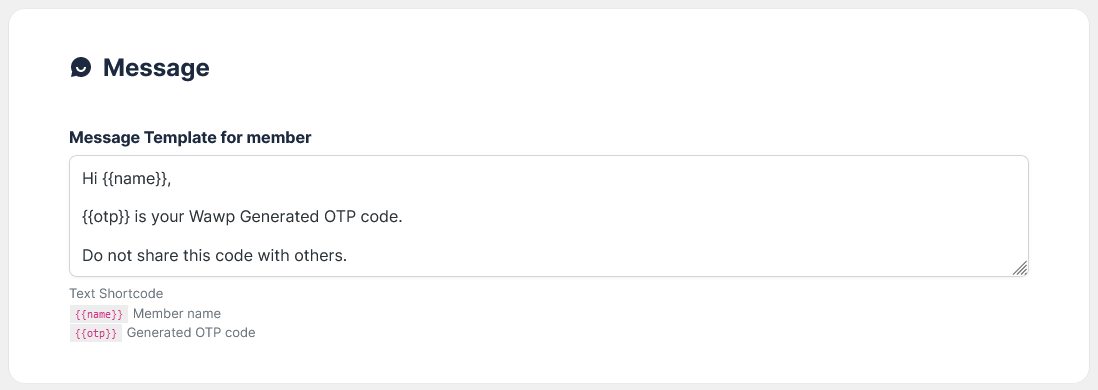
Default message
Hi {{name}},
{{otp}} is your Wawp Generated OTP code.
Do not share this code with others.
Text Shortcode
{{name}}Member name
{{otp}}Generated OTP code
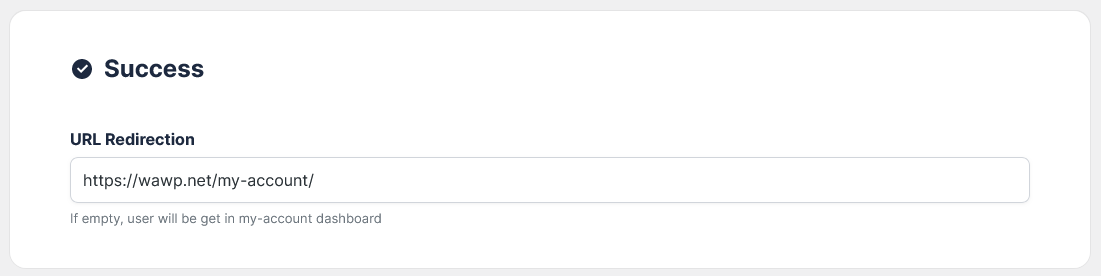
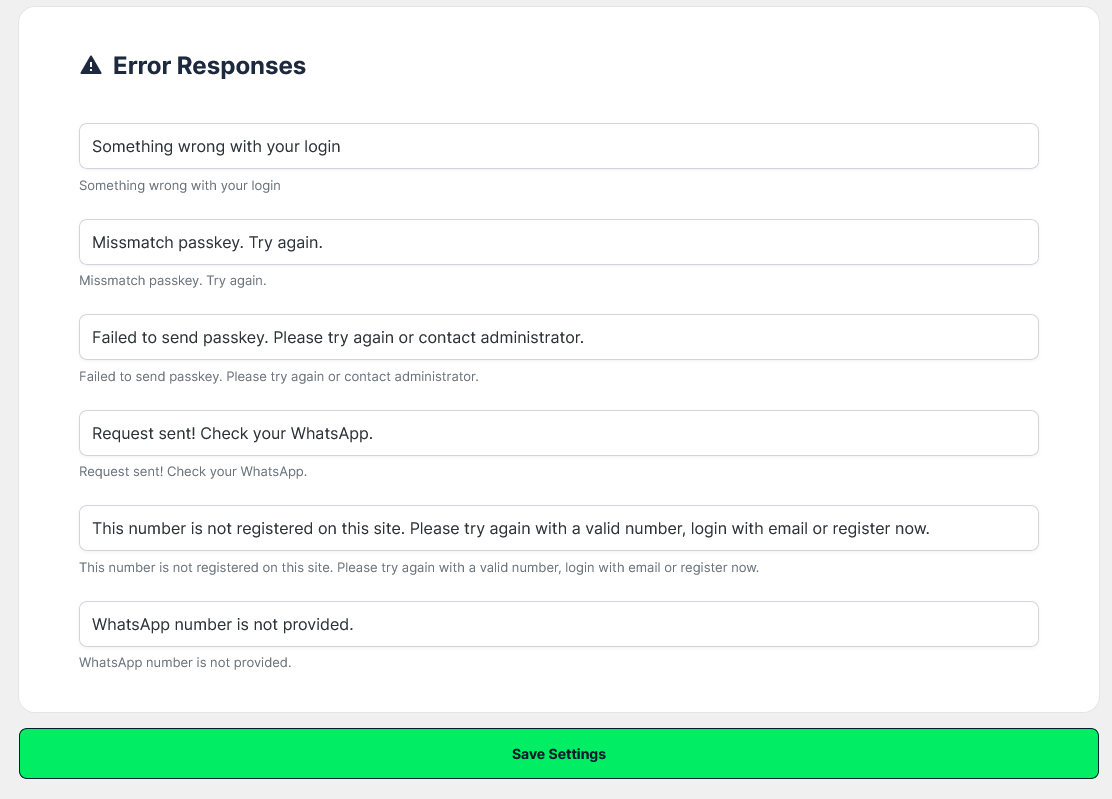
Error Responses: To show the customer error cases during login, if any, to facilitate the provision of technical support