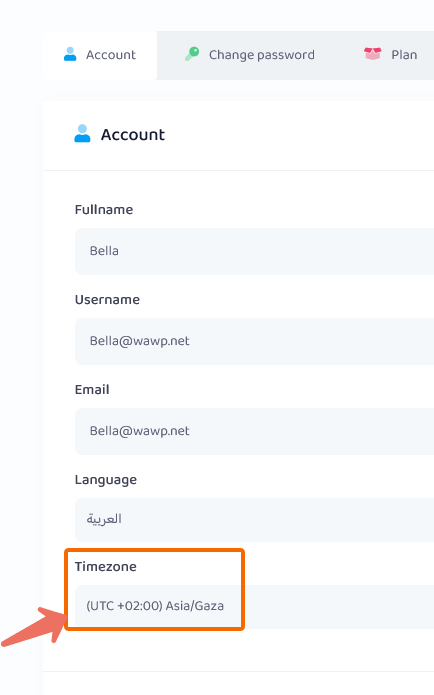
Basic account settings
Setup Timezone
about Timezone area
The time zone of the account must match the time zone of your primary device on which the main WhatsApp runs.
To ensure that messages arrive safely and quickly, and to maintain your WhatsApp account number
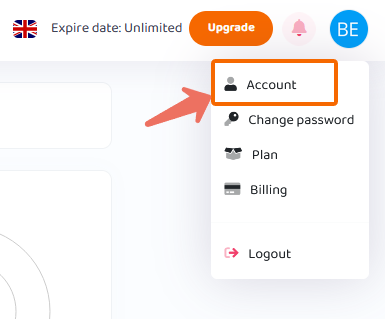
To access the time zone of the account: From the menu above, “Click on Avatar” > Account
Now you are in your account settings here: From the Timezone field choose your time zone
Then press the Submit button