
Basic account settings
Singup on app.1m.wawp.net
1. Register a new account on app.1m.wawp.net
Go to link: To start registering an account, go to the link: Register a new account on https://app.1m.wawp.net/signup
You will find the following information request form
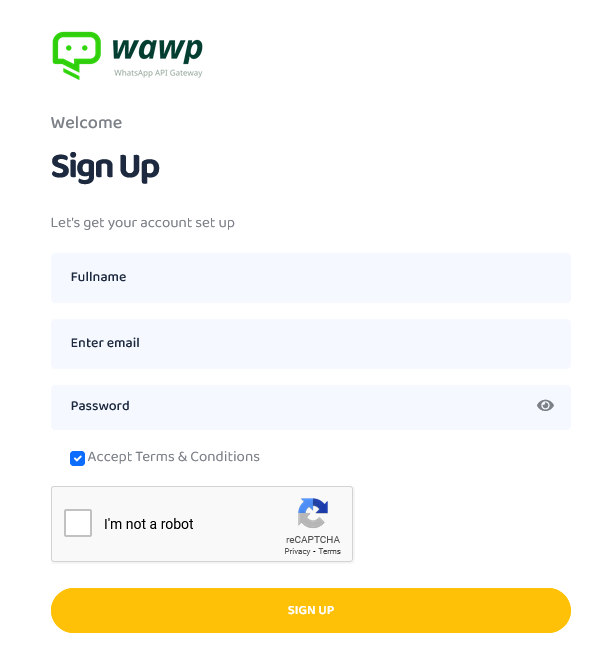
Enter data in the following:
- Full Name: Enter your first and second name
- Enter Email: Enter your correct email (you will receive a confirmation email from wawp to it)
- Password: Enter a password consisting of an uppercase and lowercase letter, a number, and a symbol, preferably not less than 8 elements. You can click on the eye symbol next to the password to see what you are writing.
- I’m not a robot: Select it to continue
- Then press the Signup button
2. Confirm and activate your account to start using the service for free
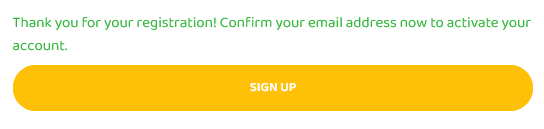
After adding the information and clicking the Signup button, a notification will appear above the button: “Thank you for your registration! Confirm your email address now to activate your account.”
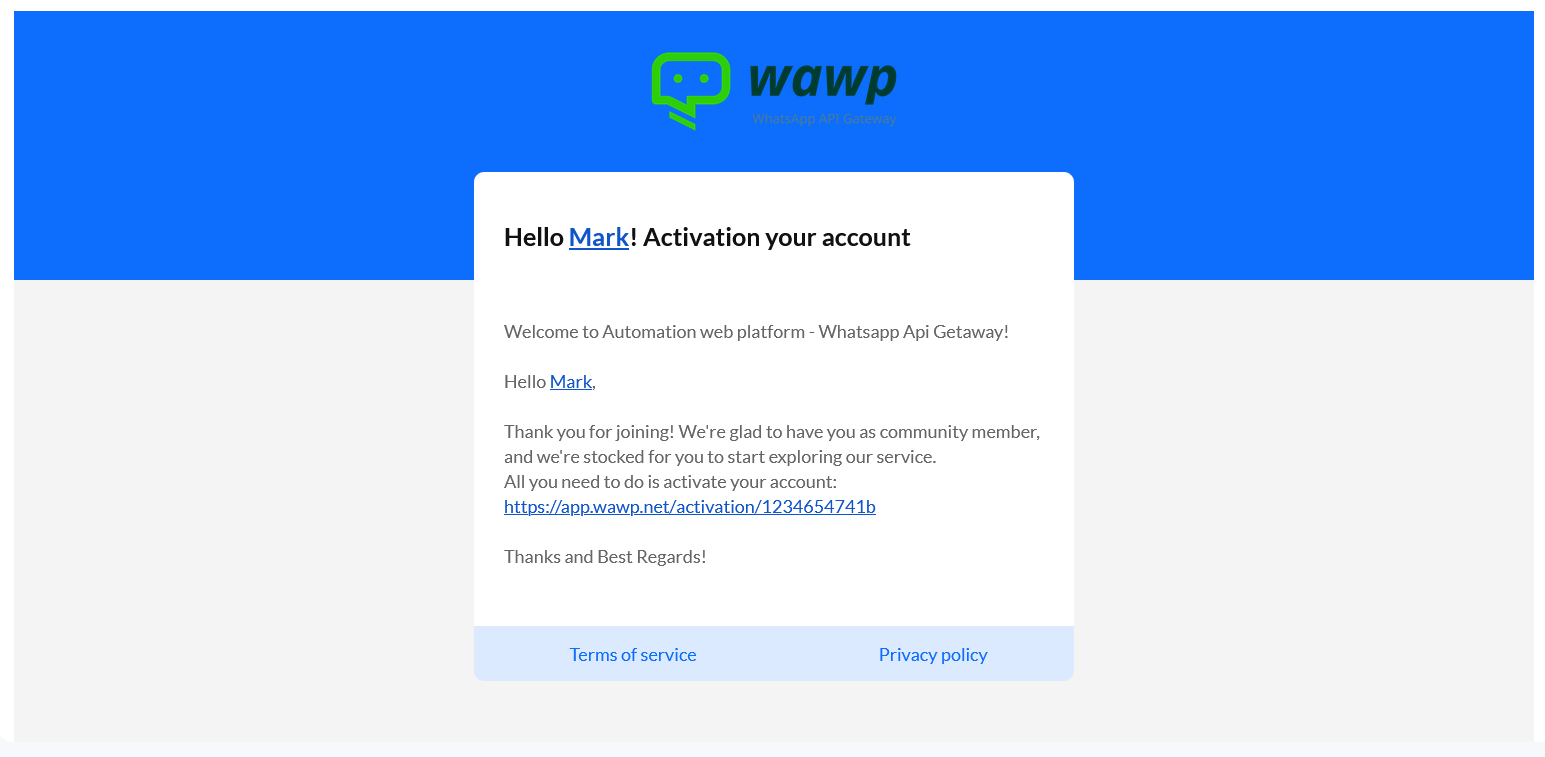
- Go to your email, inbox section and you may get spam if you don’t find it
- You will find a link to activate your secured account, such as this link
https://app.1m.wawp.net/activation/1234654741b,Click on it to be redirected to the site again
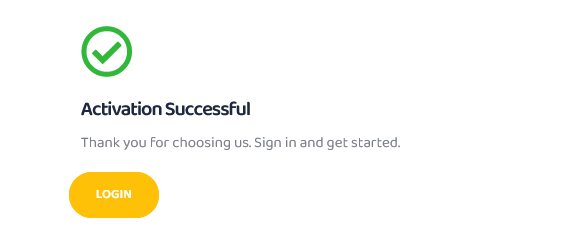
- You will see the following message: Activation successful
3- Log in to your wawp account
After confirming your account, you can click on the login button, or log in directly via the link https://app.1m.wawp.net/login
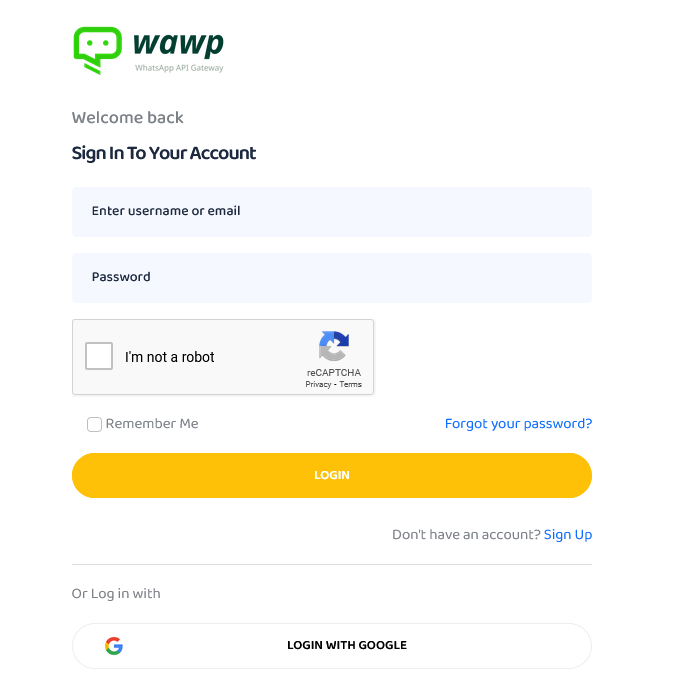
Enter data in the following:
- Enter Username or Email: Use the email you registered with
- Password: Type the password you chose
- I’m not a robot: Select it to continue
- Then press the Login button
You can log in using your Google account easier if your registered email is Gmail


