Link WooCommerce plugin using API keys
step1: Get api access tokens
- First, you need to register an account to link your phone number to wawp system
- Through WAWP control panel https://app.1m.wawp.net, go to Access Keys > Select WhatsApp account
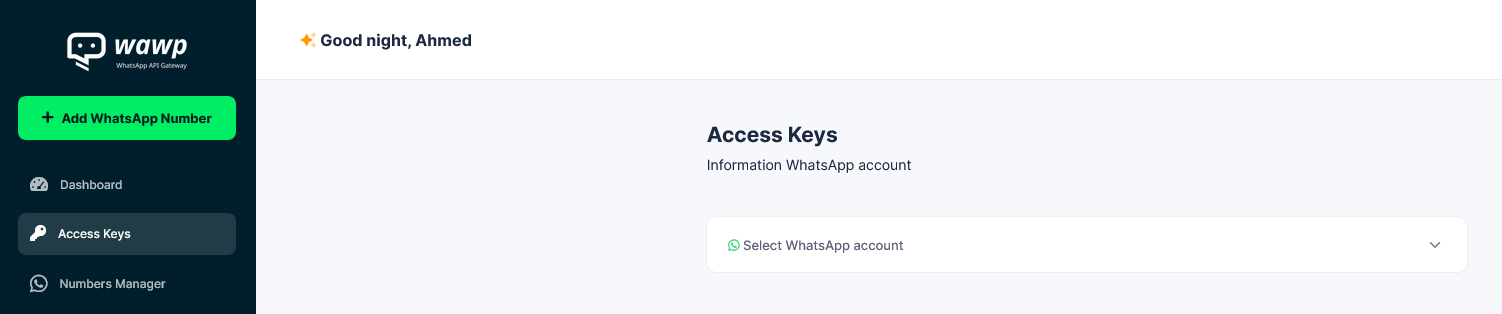
You must first link your number to the service. If you have not, follow this Doc: How to add WhatsApp number to using Wawp QR code?
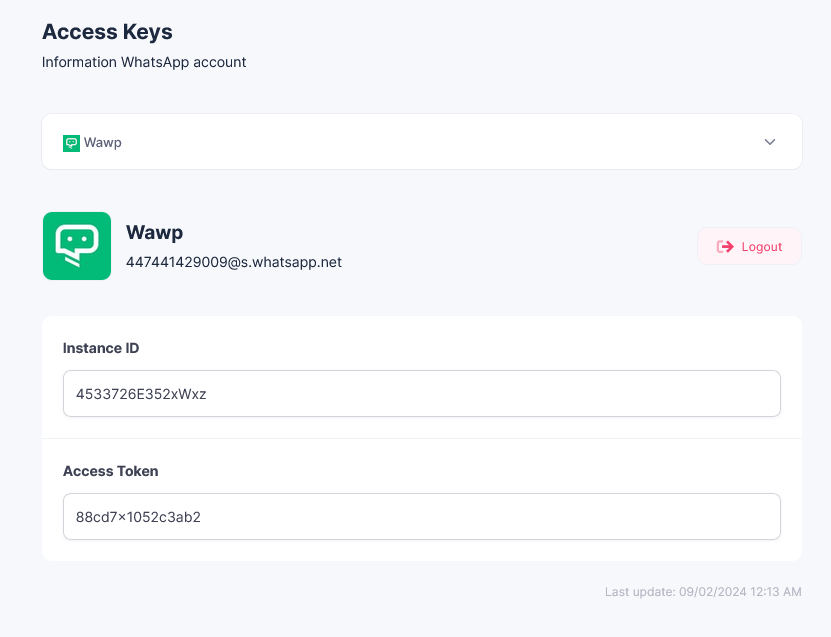
Each account has its own connection keys(Instance ID&Access Token), which are changed when you log out of the account
step2: Adding API keys to the site
1. From the side menu of the WordPress dashboard, select WAWP
Or change sitename.com to your site name
https://sitename.com/wp-admin/admin.php?page=awp
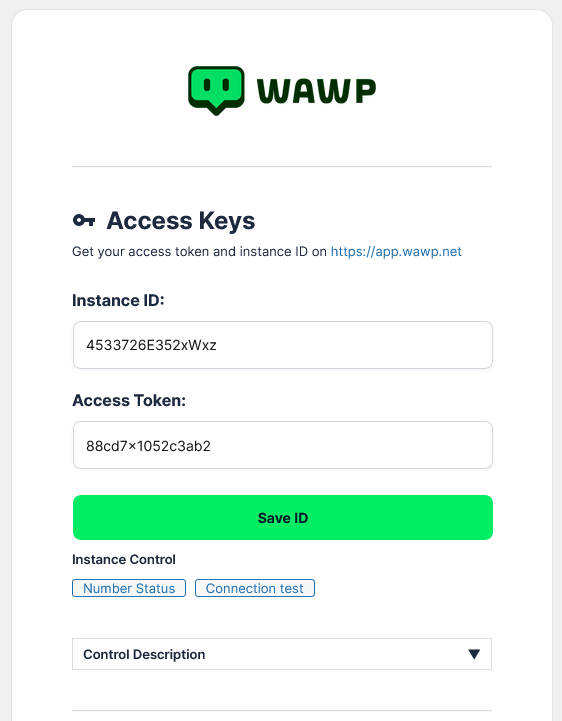
2. Add the information you obtained to the settings of the WAWP Plugin in your wordpress Admin panel
In the place designated for it below the logo on the PLUGIN control panel > then click on Save ID Button
To Test Successfully connecting to the api click on >> Status Button
step3: To test the connection sending
choose Help from the top menu, then send a message to your phone number
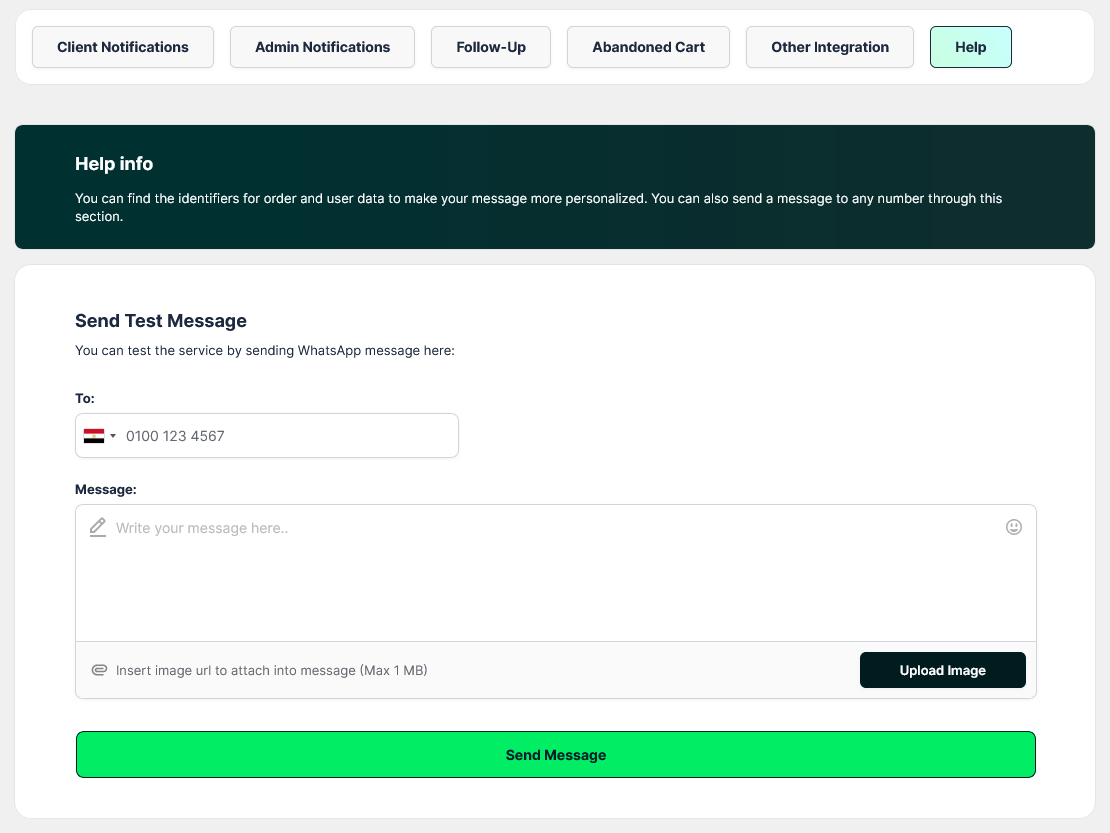
send a live message
To: Enter your number after selecting the country code from the flags
Message: Write your message, you can choose from emojis to customize it more, and you can also add an attached file
Send Message: Click this button to complete sending the test message
step4: Know the status of the test message from the log
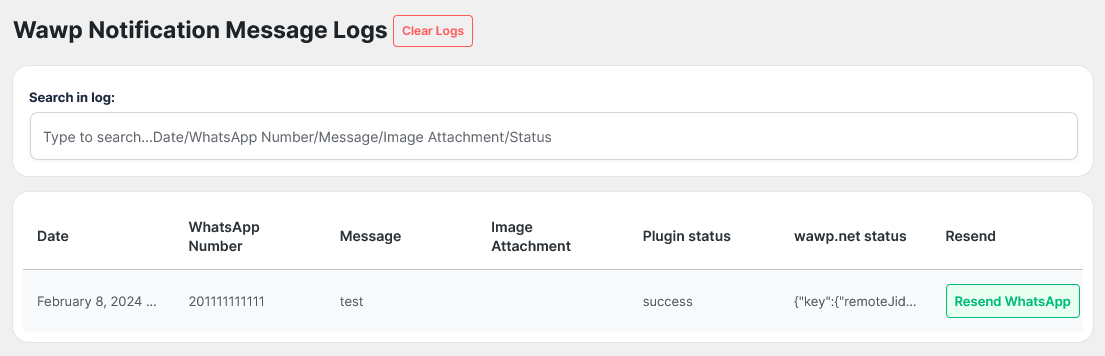
To access the log https://sitename.com/wp-admin/admin.php?page=awp-message-log